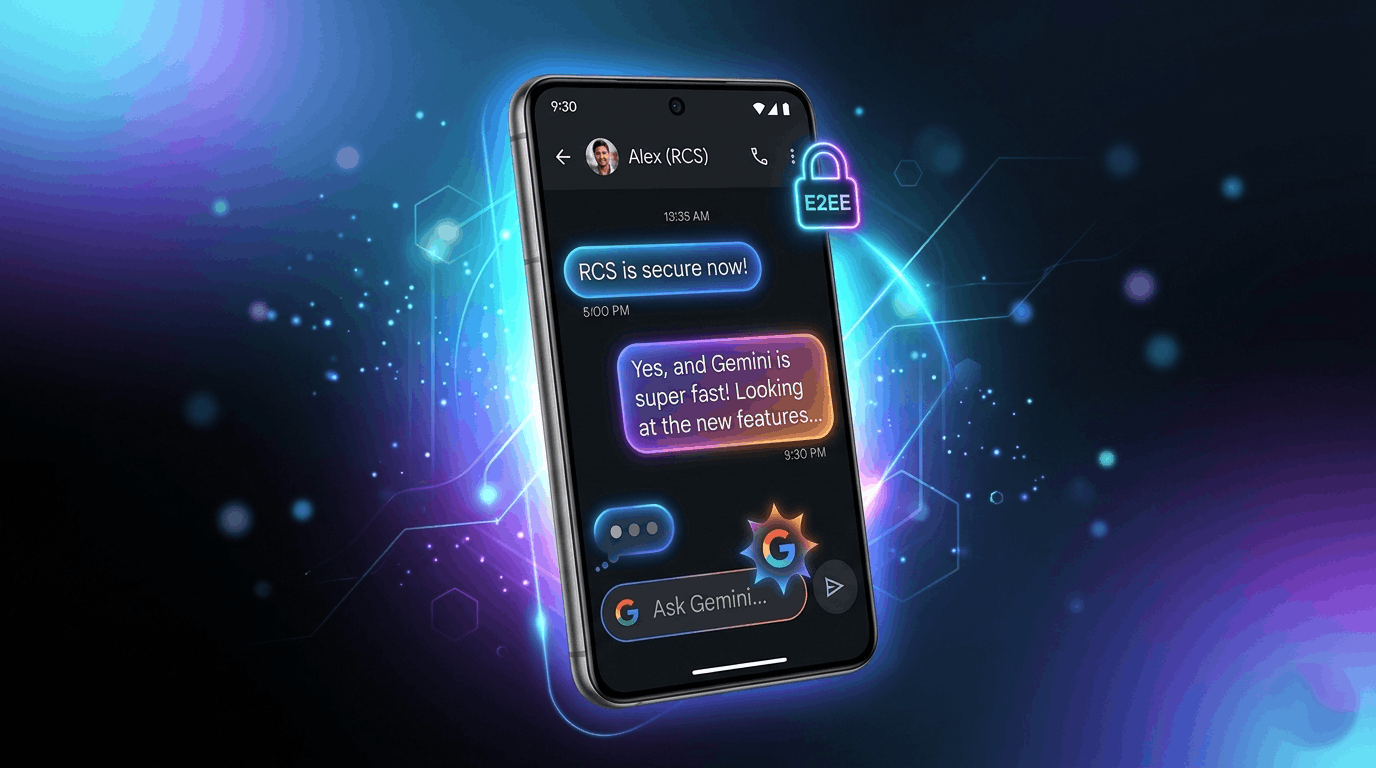
What new Google Messages features are rolling out 2026
Google Messages New Features 2026: The Ultimate Transformation of Android Texting
In the rapidly evolving world of instant messaging, Google Messages has transformed from a basic SMS client into a powerhouse of modern communication. As we move through 2026, Google is rolling out a massive wave of updates designed to challenge the dominance of WhatsApp and Apple’s iMessage. Google Messages New Features 2026 What new Google Messages features are rolling out 2026
With deep AI integration via Gemini, structural design shifts, and long-awaited cross-platform security updates, the 2026 feature drop makes Android texting more expressive, secure, and intuitive than ever before. Whether you are a casual texter or someone relying on group chats for daily updates, these new features will completely change how you use your phone.
Here is an in-depth breakdown of every major Google Messages feature rolling out right now.
1. Cross-Platform Peace: End-to-End Encrypted RCS with iPhone
For years, the conversational divide between Android and iPhone users was defined by compressed videos, lack of typing indicators, and absolute zero privacy. Following the initial adoption of the RCS standard, 2026 brings the holy grail of cross-platform texting: End-to-End Encryption (E2EE) between Android and iOS.
Built upon the Messaging Layer Security (MLS) protocol via the RCS Universal Profile 3.0 standard, this joint effort between Google and Apple ensures your cross-platform chats are entirely safe from prying eyes.
The Lock Icon: When texting an iPhone user running the latest iOS, a secure lock icon will now appear next to the message delivery status.
Modern Features Extradited:</b> Along with premium security, cross-platform conversations now smoothly support inline replies, real-time typing indicators, high-quality media sharing, and exact tapback emoji reactions.
2. Gemini-Powered Smart Scam Detection
Spam and fraudulent messages have grown increasingly sophisticated, shifting from obvious phishing links to complex, slow-burning conversational scams. Google is tackling this head-on by integrating its Gemini Nano AI model directly onto compatible flagship devices (such as the Pixel 10 and Galaxy S26 series).
Unlike older keyword-based spam filters, this system uses advanced on-device AI to look for subtle psychological patterns common in fake job offers, artificial relationship-building (romance baiting), and fraudulent financial opportunities.
Because the data processing happens entirely on your device, your private texts are never sent to external servers, keeping your identity secure while keeping scammers out of sight.
3. The New “Tap to Draft” Option for Smart Replies
Google’s Smart Reply feature is incredibly useful for quick responses, but it frequently suffers from one major flaw: accidental sending. In the mid-2026 stable update, Google introduced a brilliant fix in the Suggestions settings menu.
Instead of immediately blasting a suggested response into the chat when tapped, you can now toggle the setting to “Tap to Draft.” Clicking a smart response will gracefully place the text inside your input box instead. This gives you a brief moment to add extra context, fix a tone, or attach an emoji before manually hitting the send button. If you prefer the old way, a simple radio button option lets you switch right back to “Tap to Send.”
4. Group Chat @Mentions
Managing active group chats can quickly become overwhelming, causing important questions to get lost in a sea of notifications. Google Messages is bridging the gap with its brand-new Group Chat @Mentions tool.
By simply typing the ata-path-to-node="23" data-index-in-node="21">@ symbol followed by a group member’s name, you can call their direct attention to a specific message. The primary benefit here is urgency; if a user has explicitly muted the group chat due to high message volume, an intentional @mention will bypass that mute and deliver a direct notification to their phone.
5. Real-Time Location Sharing
Static maps are officially a thing of the past. Joining the standard one-time location link is a newly engineered Real-Time Location Sharing engine powered directly by Google’s Find Hub.
Tapping the green location option inside the attachment tray opens a dedicated panel where you can choose a specific tracking duration:
For exactly one hour
Today only
Until you manually turn it off
A custom designated duration
When active, a fluid live map sits embedded inside the conversation window, allowing both parties to expand it to full screen.
A clear, persistently visible banner at the top of the screen serves as a constant reminder that your location is actively being shared, giving you complete peace of mind over your data privacy.
6. A Fresh Floating Long-Press Menu
Google has officially retired the rigid top toolbar that traditionally appeared when selecting a message. In its place sits a beautifully redesigned, haptic-responsive floating context menu.
Long-pressing a text message or an image now darkens and blurs your background canvas, pulling your focused content directly into center view.
A vertical stack of floating choices pops up right next to your thumb, giving you instant access to essential commands like:
Remix (exclusive to image files)
Inline Reply
Forward and Copy
Star, Info, and Delete
7. The Dedicated Trash Folder
Accidentally deleting an important thread consisting of precious family photos or critical verification codes used to be permanent. To prevent accidental data loss, Google Messages now features a system-wide Trash Folder.
When you choose to delete a conversation thread or media file, it is moved out of your primary inbox and held safely inside a temporary recycle bin.
Users have a grace period to look through the folder and seamlessly restore messages back to their main inbox before they are permanently purged.
Summary of 2026 Structural Changes
| Feature Name | Primary Benefit | Availability Status |
| Android-to-iOS E2EE | WhatsApp-grade security for cross-platform chats | Rolling out (Beta/Stable) |
| Gemini Scam Detection | Stops romance baiting and fake job scams locally | On-device Flagships |
| Tap to Draft | Minimizes accidental Smart Reply transmissions | Wide Stable Release |
| Group @Mentions | Bypasses muted group chats for urgent alerts | Worldwide Stable |
| Live Location | Native tracking through Find Hub with custom timers | Wide Stable Release |
Final Thoughts: Is Google Messages Finally a True WhatsApp Competitor?
With the inclusion of these 2026 features, Google Messages is no longer just an alternative app for when your Wi-Fi drops. It has grown into a mature, highly interactive communication network. Google Messages New Features 2026
By prioritizing on-device AI security, breaking down the walled garden with Apple, and refining basic user-experience details like accidental smart replies,
Google is proving that the default texting app on your phone is more than capable of handling all your digital interactions.
Make sure to head over to the Google Play Store and update to the latest version to try out these features today!
Disclaimer: The information provided in this article regarding Google Messages features is based on the latest software rollouts, beta testing schedules, and official announcements as of 2026. Feature availability may vary depending on your geographic region, device model, mobile carrier, and the version of the Google Messages app installed on your smartphone. Some advanced features, such as on-device Gemini AI processing, may require specific hardware capabilities. The author and this website are not officially affiliated with Google LLC.
Best – Selling Petrol Cares in India FY Analysis 2026 | 8 Free AI Courses from Anthropic’s Claude Platform with Certificates |